When Adobe launched Adobe Podcast, it wasn’t just another standalone tool — it was a bridge between voice creation and Adobe’s larger ecosystem of creative apps.
From audio cleanup to content publishing, Adobe Podcast connects seamlessly with tools like Audition, Premiere Pro, and Express, making it the missing link in Adobe’s Creative Cloud for storytellers.
Let’s explore how it fits — and why it’s becoming a must-have for content creators, educators, and marketers alike.
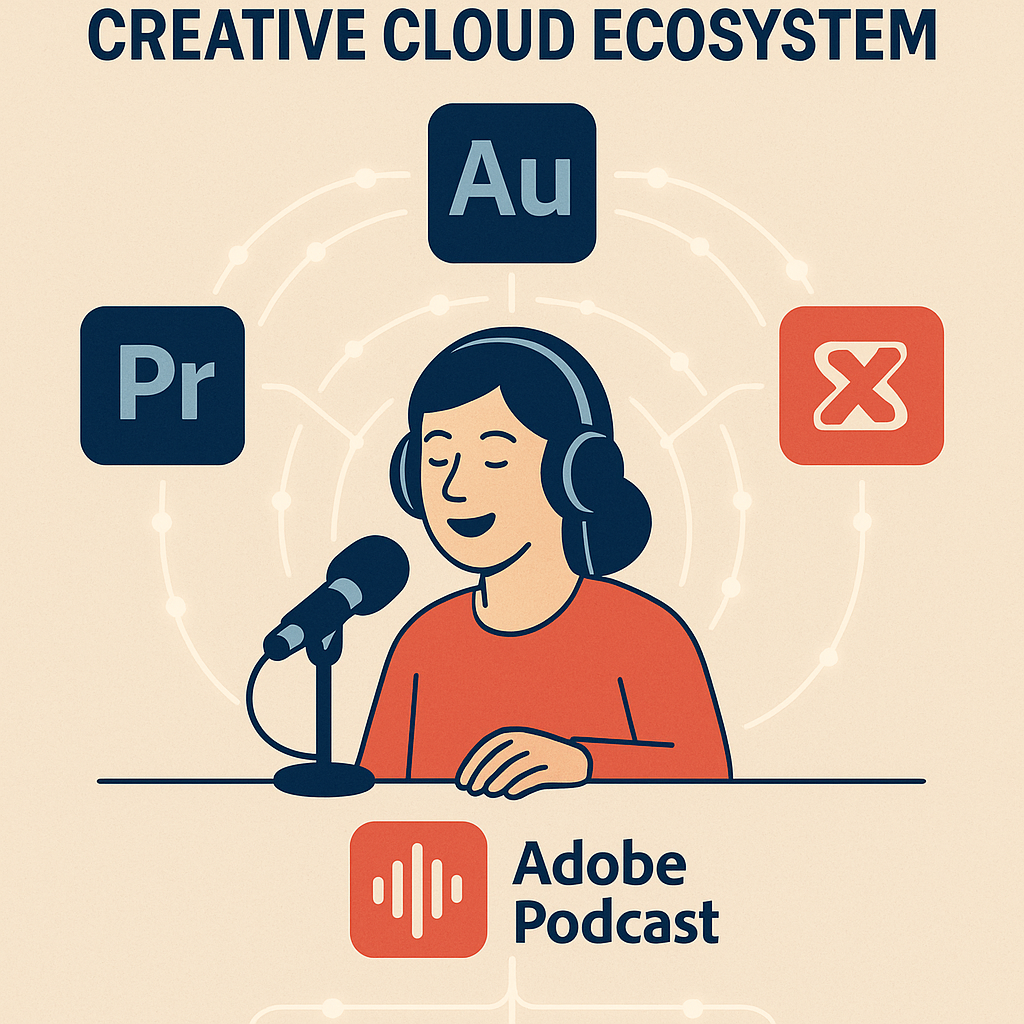
🎧 1. Record and Enhance in Adobe Podcast
Start your audio journey with Adobe Podcast, the simplest way to record and clean voice tracks directly in your browser.
Its built-in AI tool, Enhance Speech, removes noise, echo, and distortion, transforming any microphone into a studio-grade recording setup.
Everything you record or upload stays synced in the cloud, ready to be used in your next creative project — whether it’s a podcast, video voiceover, or e-learning module.
💡 You can start recording in seconds — no installation or setup required.
🎙️ 2. Edit and Mix in Adobe Audition
Once your enhanced voice track is ready, send it straight to Adobe Audition with a single click.
Audition is Adobe’s professional digital audio workstation (DAW) for:
- Advanced multitrack editing
- EQ and compression
- Sound design and mastering
This integration means your clean AI-enhanced voice from Adobe Podcast becomes the foundation for professional audio mixing — without losing quality or metadata.
✅ Perfect for producers who want more creative control without re-recording.
🎬 3. Sync with Adobe Premiere Pro for Video Podcasts
Podcasting isn’t just audio anymore — it’s also video.
That’s where Adobe Premiere Pro comes in.
Your polished audio from Adobe Podcast or Audition drops directly into Premiere, ready to sync with talking-head footage or motion graphics.
This creates a complete video podcast workflow, from raw recording to YouTube-ready export.
🎥 Many creators use this trio — Podcast + Audition + Premiere — as their full podcast production stack.
🪄 4. Design and Promote with Adobe Express
After your episode or clip is complete, use Adobe Express to design:
- Podcast thumbnails
- Episode banners
- Social media snippets
- Quote cards and audiograms
Adobe Express pulls from the same Creative Cloud libraries, allowing you to reuse brand colors, logos, and assets effortlessly.
✅ It’s the final stage in your podcast’s visual storytelling pipeline.
🌐 5. Powered by Creative Cloud Libraries and Adobe Sensei
Every Adobe Podcast project automatically integrates with Creative Cloud Libraries, meaning:
- All files are safely stored in your Adobe cloud.
- You can access them from any device or app.
- You can share them with collaborators instantly.
Behind the scenes, everything is powered by Adobe Sensei AI, the same engine behind Firefly and Photoshop’s Generative Fill.
It ensures your sound cleanup, enhancement, and transcription remain fast, intelligent, and consistent across all apps.
🧩 6. A Unified Workflow for Modern Storytellers
Here’s how the pieces fit together perfectly:
| Stage | Tool | Purpose |
|---|---|---|
| Record & Enhance | Adobe Podcast | Clean voice recording with AI |
| Edit & Mix | Adobe Audition | Professional audio mixing |
| Sync & Publish | Adobe Premiere Pro | Video and podcast editing |
| Design & Share | Adobe Express | Visual promotion and branding |
| Cloud & AI Backbone | Adobe Creative Cloud + Sensei | Smart integration & storage |
This interconnected workflow gives creators speed, polish, and consistency across every medium.
🏁 Final Thoughts
Adobe Podcast isn’t just an AI voice tool — it’s a vital part of the Creative Cloud ecosystem.
It democratizes professional audio production while linking seamlessly with Adobe’s visual and post-production tools.
Whether you’re recording your first episode or managing a full studio workflow, Adobe Podcast is the simplest way to integrate voice, visuals, and AI under one creative umbrella.
🎧 Want to bring your voice into the full Adobe Creative Cloud experience?
Start recording with Adobe Podcast, then refine it in Audition and Premiere for a complete professional workflow.
👉 Explore Adobe Podcast today for free
